
TL;DR

Turn the school run and nap time into listening time
- Thousands of audiobooks, podcasts and originals
- Listen on your phone, tablet or Echo — also offline
- Cancel anytime
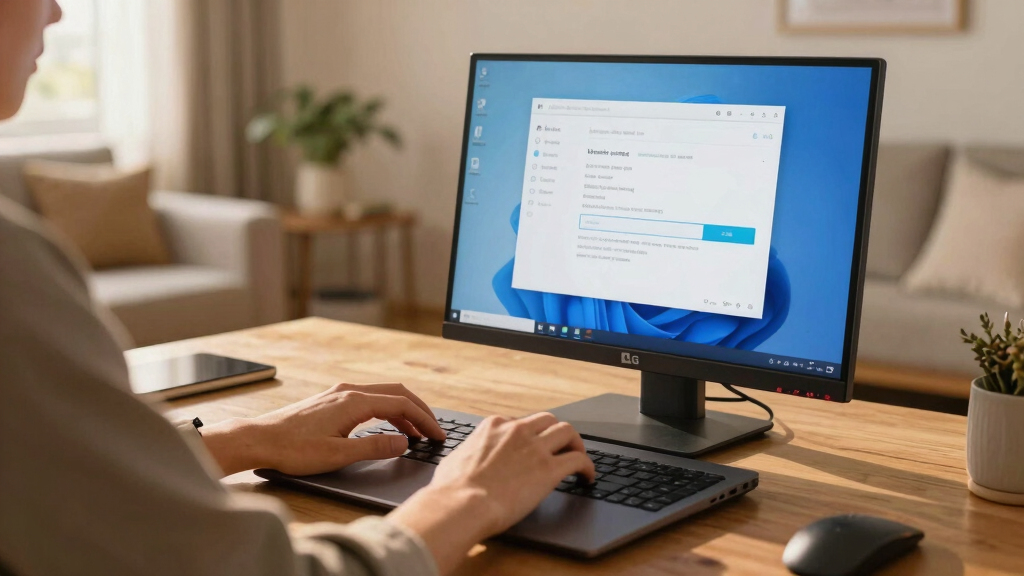
Reports indicate that LG monitors are silently installing software through Windows Update without user consent. This raises privacy and security concerns, with details still emerging about the scope and nature of the software.
LG monitors are reportedly installing software updates silently through Windows Update without user consent, according to multiple user reports and online discussions. This development is significant because it raises questions about user control, privacy, and potential security vulnerabilities associated with the hardware.
Several users have documented that their LG monitors, particularly models from recent years, initiate software installations automatically via Windows Update. These updates occur without explicit permission or notification, leading to concerns about transparency and user autonomy. LG has not officially acknowledged these reports as of now, and it is unclear whether the updates are optional or mandatory.
Experts note that such behavior could be part of LG’s effort to deliver firmware or software enhancements, but the lack of user notification or consent violates typical expectations for hardware updates. The software installed reportedly includes proprietary tools intended for monitor calibration and management, but the full scope and purpose remain unconfirmed.
Microsoft has not issued specific statements about this issue, but Windows Update is known to deliver driver and firmware updates automatically, which can include software from device manufacturers like LG. Users affected have expressed concern over potential privacy implications and the possibility of unwanted software being installed without their knowledge.
Why It Matters
This development matters because it highlights a growing concern over hardware manufacturers leveraging Windows Update to push software without user approval. Such practices could lead to privacy breaches if sensitive data is accessed or transmitted without consent. Additionally, automatic updates increase the risk of introducing vulnerabilities or malicious code, especially if the process is not transparent or controllable by users. The incident underscores the need for clearer policies and user controls over hardware-related updates.
Popular right now

De'Longhi 15-Bar Pump Espresso Machine with Milk Frother & Temperature Control

Sony BRAVIA 5 85-Inch Mini LED 4K HDR Smart TV (K-85XR50)

Ninja DualZone 6-in-1 Air Fryer, 8-Qt, Grey, DZ801
As an affiliate, we earn on qualifying purchases.
LG Monitor Firmware Updates and Windows Update Practices
LG has a history of providing firmware updates for its monitors, often through official channels. However, recent reports suggest that some models are now receiving updates automatically via Windows Update, a feature primarily intended for drivers and security patches. This shift appears to be part of a broader trend where hardware manufacturers increasingly rely on the operating system to deliver updates, sometimes bypassing user approval steps. Prior to this, LG had not been publicly associated with such silent software installations.
Microsoft’s Windows Update service routinely delivers driver updates, but the extent to which manufacturers can push software silently remains a point of concern among security experts. The controversy around this practice is compounded by the lack of official communication from LG or Microsoft about the scope, purpose, and control options for these updates.
“We are investigating reports of software updates on some monitors. At this time, we have no official statement.”
— LG spokesperson (unofficial statement)
Extent and Control of LG Monitor Software Installations Unclear
It is not yet clear how widespread this issue is across LG monitor models or whether the software updates are optional or mandatory. The full scope of the software being installed and its potential impact on user privacy remains unconfirmed. LG and Microsoft have not provided detailed information or official statements clarifying these points, leaving uncertainty about user control and the security implications.
Investigations, User Controls, and Industry Response Expected
LG and Microsoft are expected to clarify the situation in the coming weeks, potentially releasing updates or guidance on how users can control or disable these silent installations. Industry watchdogs and cybersecurity experts are likely to scrutinize this practice, advocating for stricter regulations and transparency. Users are advised to monitor their systems for unexpected software and consider disabling automatic updates if possible until further clarity is provided.
Key Questions
Are all LG monitors affected by this issue?
It is currently unclear how many models are impacted. Reports primarily concern recent LG monitor models, but official confirmation is pending.
Can users prevent these updates from installing automatically?
At this time, it is uncertain whether users have control over these updates. Microsoft’s Windows Update settings may allow some control, but LG has not issued specific guidance.
Is this a security risk?
Potentially, as silent installations could introduce vulnerabilities or unwanted software. Experts recommend monitoring systems and applying updates cautiously.
Has LG responded officially to these reports?
LG has not issued a public statement confirming or denying the reports as of now. The company said it is investigating the issue.
What should users do if they suspect unwanted software installation?
Users should review their update history, disable automatic updates if possible, and contact LG or Microsoft support for guidance.
Source: hn