TL;DR

Turn the school run and nap time into listening time
- Thousands of audiobooks, podcasts and originals
- Listen on your phone, tablet or Echo — also offline
- Cancel anytime
Audio-only monitors are simple, affordable, and less vulnerable to hacking, while video monitors offer visual reassurance and advanced features. Your choice hinges on your budget, security, and how much you want to see or hear your baby.
Imagine waking up in the middle of the night. Your baby stirs, and you reach for your monitor. Do you want just a gentle voice whispering from the speaker, or do you want to see your little one’s tiny face in the glow of night vision?
The decision between an audio-only or video monitor isn’t just about cost. It’s about what kind of reassurance you need—visual or just sound. Understanding what each type offers helps you pick the one that fits your routines, worries, and budget.
Audio-only monitors are a simple, budget-friendly choice that minimizes security risks.
Wi-Fi video monitors offer richer features but require careful setup to avoid hacking or privacy issues.
The right monitor depends on your household size, tech comfort, and what kind of reassurance you prefer—visual or auditory.
Recent innovations have made video monitors more secure and feature-rich, but they still depend on good security habits.
Always buy from reputable brands and keep firmware updated to protect your family’s privacy.
What Do Audio-Only and Video Monitors Actually Do? Here’s the Difference You Need to Know
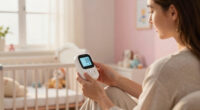
Audio-only monitors transmit sound from your baby’s room to you, providing a simple, reliable way to hear if your baby wakes or fusses. They’re like a walkie-talkie for your nursery, with some models offering two-way talk so you can soothe with your voice.
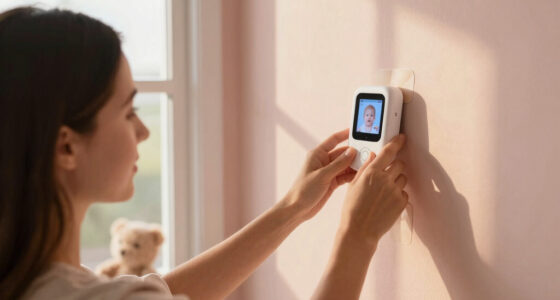
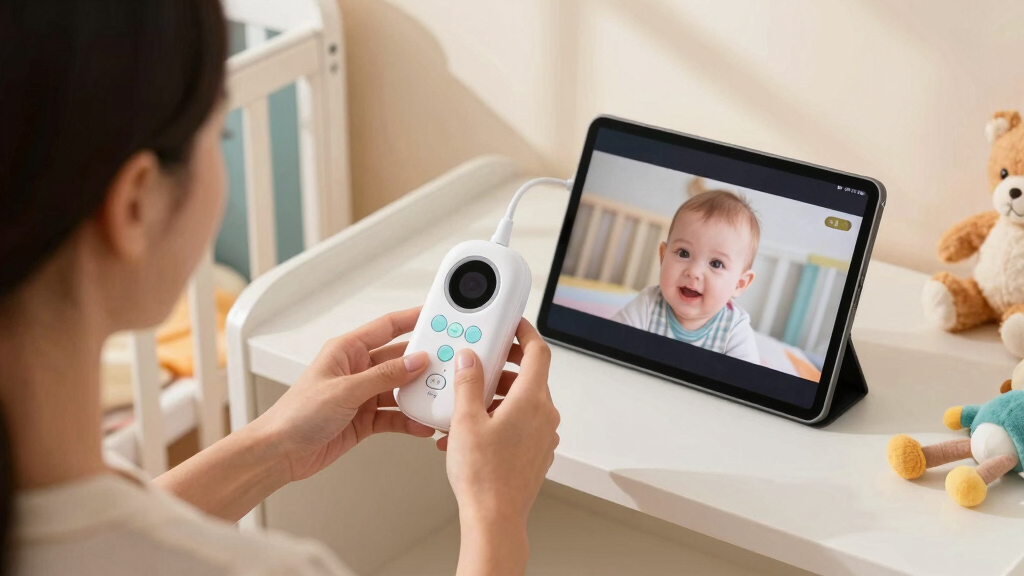
Video monitors show a live feed of your baby’s crib, often with night vision for clear images in darkness. Some even let you pan, tilt, or zoom, giving you full control over what you see. They’re like a mini security camera, but for your baby’s room.
Why does this matter? Audio-only monitors are less invasive and can be more reliable in areas with poor Wi-Fi, but they lack visual confirmation. Video monitors provide peace of mind by letting you see your sleeping baby, which is especially helpful if your baby moves a lot or if you’re worried about sleep safety. However, they can be more complex to set up and may be affected by Wi-Fi issues or security risks. Consider your environment and comfort with technology when choosing.
audio baby monitor with two-way talk
As an affiliate, we earn on qualifying purchases.
As an affiliate, we earn on qualifying purchases.
Security and Privacy: Are Video Monitors a Bigger Risk Than Audio-Only?
Audio-only monitors are generally less vulnerable to hacking because they use simple radio signals, which are harder for outsiders to access. They don’t connect to the internet, so there’s no digital pathway for hackers to exploit.
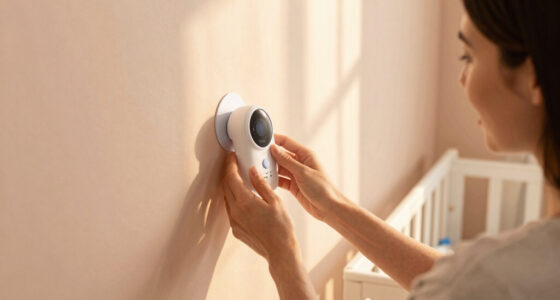
In contrast, Wi-Fi video monitors are like internet-connected devices—think of them as tiny security cameras in your home. If not secured properly, hackers can potentially access the live feed or even manipulate the camera. For example, a parent might have a Wi-Fi monitor with weak password protection or outdated firmware, making it an open window for cyber intruders. This risk underscores the importance of using strong, unique passwords and updating the device software regularly. Recent models with encryption add a layer of security, but vigilance remains essential. The tradeoff is between the convenience and reassurance of video and the potential privacy risks if security isn’t properly managed. Your choice depends on your comfort level with technology and your commitment to security practices.
Wi-Fi video baby monitor with night vision
As an affiliate, we earn on qualifying purchases.
As an affiliate, we earn on qualifying purchases.
Cost and Ease of Use: Which Monitor Fits Your Budget and Tech Comfort?
Want something straightforward? An audio-only monitor might cost as little as $30 and require minimal setup—just plug it in and turn it on. This simplicity makes it ideal for parents who want basic reassurance without worrying about Wi-Fi or app configurations. For example, a parent living in a small apartment might prefer an audio monitor because it’s easy to move around and set up quickly.
On the other hand, video monitors can range from $70 to over $300, depending on features like high-definition video, pan/tilt/zoom capabilities, or smartphone app access. These models often require Wi-Fi setup, which can be tricky if you’re not comfortable with technology or if your internet connection is unreliable. For instance, a parent with a large home or multiple children might opt for a high-end video monitor to keep an eye on different rooms, but should be prepared for potential technical hiccups and security considerations. Your choice depends on your comfort with technology, your budget, and how much control or reassurance you desire.
baby monitor with encryption security
As an affiliate, we earn on qualifying purchases.
As an affiliate, we earn on qualifying purchases.
Latest Trends in Baby Monitors: What’s New and Why It Matters
Smart monitors now connect to your phone via dedicated apps, giving you remote access, instant alerts, and features like crying detection or temperature monitoring. Imagine being able to check your baby’s sleep status from anywhere—whether you’re at work or running errands—making parenting more flexible. For example, some models notify you if your baby wakes up or if the room temperature drops below a safe level, adding an extra layer of safety.
Security is a key focus—manufacturers now emphasize encrypted connections to prevent unauthorized access. Higher resolution night vision and two-way talk are becoming standard, making interactions more lifelike and responsive. These advancements mean you can have peace of mind knowing that technology is not only more feature-rich but also more secure, provided you take the necessary precautions.
As an affiliate, we earn on qualifying purchases.
Key Facts: What Every Parent Should Know About Baby Monitors
- Safety first: Both types are designed to help you monitor your baby, but always follow safety guidelines and use reputable brands. For example, ensure cords are out of reach and avoid monitors with weak security features.
- Security matters: Wi-Fi monitors need strong passwords and regular updates to prevent hacking. Think of it like locking your doors—simple steps can prevent unwanted visitors.
- Battery life: Regularly check batteries or charge levels to keep monitoring reliable. Imagine going on a trip and finding your monitor has run out of power when you need it most—that’s why routine checks matter.
Your Most Common Questions About Baby Monitors Answered
- Which is safer—audio-only or video? Both are safe if used correctly. Security issues mainly concern Wi-Fi models, so choosing reputable brands with encryption and following best practices—like changing default passwords—helps keep your family safe. For example, a parent might opt for an audio monitor in a shared living space to minimize hacking risks while still maintaining peace of mind.
- Do I need a video monitor if I already have an audio one? It depends on your comfort level and your home environment. Video adds reassurance by letting you see your baby’s peaceful face or movement, which can be especially comforting if your baby tends to roll around or if you worry about sleep safety. For instance, parents of active sleepers often prefer video to quickly verify their child’s status without disturbing their sleep.
- Are video monitors worth the extra cost? Many parents find that the visual peace of mind is worth the investment—particularly in larger homes where hearing alone might not be enough to confirm your baby’s well-being or in multi-child households where quick visual checks can save time.
- Can Wi-Fi monitors be hacked? Yes, but with proper security—using strong, unique passwords, enabling two-factor authentication, and keeping firmware updated—they are generally safe. For example, a parent who regularly updates their device’s software and uses a secure Wi-Fi network significantly reduces the risk of intrusion.
- What features should I prioritize? Look for good video quality, strong security features, ease of use, portability, and additional functionalities like room temperature sensors, lullabies, or remote camera controls. For example, a busy parent might prioritize a monitor with remote pan/tilt controls and a clear night vision to keep a close eye on their baby from anywhere.
Conclusion
In the end, your choice boils down to what gives you peace of mind—and that’s different for every parent. Whether you prefer hearing your baby’s tiny sounds or watching their peaceful face, pick what feels right to you.
Remember, the monitor is just a tool. It’s your attention, instincts, and love that keep your little one safe—monitor or not. Trust your gut, stay vigilant, and enjoy these precious moments.
Halloween Picks
halloween
As an affiliate, we earn on qualifying purchases.