TL;DR
Open a free Amazon Business account
Business pricing, bulk buying and tax-exempt orders.
Create a free accountAs an affiliate, we earn on qualifying purchases.
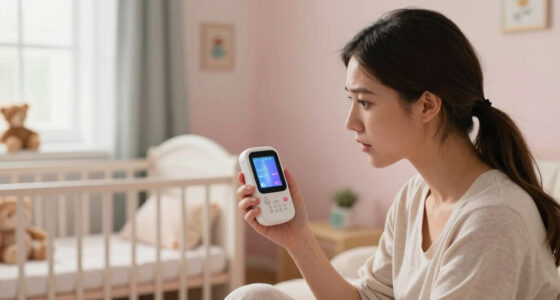
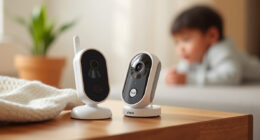
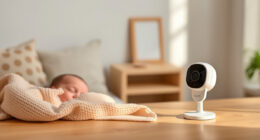
In an apartment, pick a baby monitor with reliable coverage, strong security, and clear audio/video. Wi-Fi or DECT monitors work well, but placement and interference matter. Prioritize features that match your space and budget.
Prioritize security features—encryption and strong passwords are non-negotiable.
Placement of the monitor greatly impacts reliability—avoid interference sources and choose strategic spots.
For apartment layouts, a monitor with good range and wide-angle lens minimizes blind spots.
Balance features with your budget—basic models work well if you need just sound, but video adds peace of mind.
Modern monitors with smart features can simplify your life, but don’t forget fundamental security and coverage needs.
Pick the Right Kind of Baby Monitor for Your Apartment
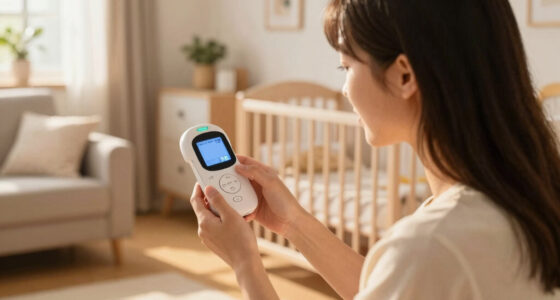
In an apartment, the type of baby monitor you choose can make a big difference. Audio monitors are simple, affordable, and perfect if you want just sound. Video monitors give you visual reassurance—especially helpful if your baby sleeps in a different room. Wi-Fi monitors let you peek in from anywhere, but they depend on your home’s internet and security. Movement monitors add extra peace of mind by tracking your baby’s tiny movements.
Choosing the right type involves understanding their strengths and limitations. For instance, audio monitors are less likely to experience interference but won’t provide visual cues, which might be important if your baby sleeps in a separate room. Video monitors offer peace of mind through visuals but can be more susceptible to Wi-Fi disruptions or hacking if not secured properly. Wi-Fi monitors provide flexibility but require a reliable internet connection and good security practices, as they can be vulnerable to hacking if not properly protected. Movement monitors are more specialized, often used alongside other monitor types, but they can be invaluable for detecting subtle signs of distress, especially in multi-room apartments where monitoring every movement becomes crucial. Recognizing these differences helps you evaluate tradeoffs—like convenience versus security or simplicity versus functionality—so you can select a monitor that aligns with your specific space and safety priorities.
As an affiliate, we earn on qualifying purchases.
How to Ensure Your Baby Monitor Covers Your Whole Space
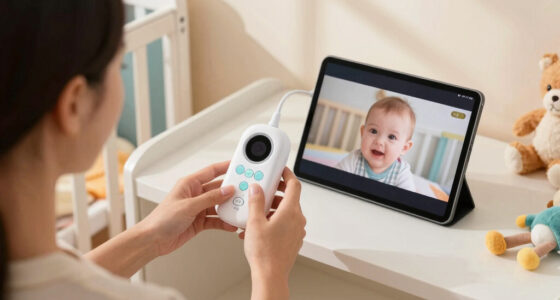
Range is king in apartments. You want your monitor to hear or see your baby no matter where they are. Placement matters: position the monitor close to your baby’s room but away from interference sources like routers, microwaves, or cordless phones. Open-plan layouts mean a wider angle or multiple cameras help. If your apartment has multiple rooms, consider a monitor with multi-camera support.
Understanding the importance of coverage helps prevent blind spots that can compromise your ability to respond quickly. For example, placing the monitor too close to a wall or metal furniture can weaken the signal, leading to delayed alerts or lost visuals. In open-plan spaces, wide-angle lenses or multiple cameras ensure you can monitor the entire living area without constantly adjusting the device. Additionally, consider the layout’s potential interference sources—appliances like microwaves or Wi-Fi routers emit signals that can disrupt your monitor’s connection, causing choppy audio or video. Proper placement—like elevating the monitor and keeping it away from such devices—can significantly reduce these issues. The tradeoff often involves balancing proximity for better signal strength with the need for visibility across multiple rooms. Using monitors with adjustable angles or multiple cameras can help you customize coverage, ensuring you don’t miss critical moments, especially in multi-room apartments where signals may need to traverse walls or floors.
As an affiliate, we earn on qualifying purchases.
Keep Your Baby’s Privacy Safe in an Apartment Setup
Wi-Fi monitors are convenient but can be vulnerable to hacking if not secured properly. Encryption and strong passwords are your best defense. Always update firmware and choose reputable brands known for privacy. Avoid monitors with vague privacy policies or unclear security features.
Understanding the security risks associated with Wi-Fi monitors is critical because a breach can expose your private moments or even allow outsiders to control the device. For example, parents have reported unauthorized access to their cameras due to default passwords or outdated firmware. This vulnerability underscores the importance of changing default passwords, enabling encryption, and regularly updating the device’s firmware. Additionally, selecting reputable brands that prioritize security—those that offer end-to-end encryption and transparent privacy policies—significantly reduces the risk of hacking. In some cases, the convenience of remote access can come at the cost of security if not managed properly. The tradeoff involves balancing ease of use with the necessary security measures. Remember, a compromised monitor not only invades your privacy but can also undermine your sense of safety. Taking proactive steps ensures that your monitoring system remains a trusted, private tool in your home.
As an affiliate, we earn on qualifying purchases.
Compare Top Features to Look for in an Apartment Baby Monitor
| Feature | Why It Matters |
|---|---|
| Range | Ensures coverage in multiple rooms or floors. In apartments, walls and furniture can weaken signals, so a longer range helps maintain reliable communication across different spaces, reducing the risk of missing important cues from your baby. |
| Night Vision | Helps see baby clearly in low light. This feature becomes vital in apartments where multiple rooms may be dimly lit or where you might want to check on your baby without disturbing their sleep, ensuring safety without disruption. |
| Two-Way Audio | Allows soothing or checking in without entering the room. This feature is especially useful in small spaces, enabling quick comfort or reassurance that can prevent unnecessary disturbances while maintaining a close connection. |
| Encryption | Protects your privacy from hacking. In shared living environments, strong encryption ensures that only you can access the feed, safeguarding your family’s privacy and peace of mind. |
| Multi-Camera Support | Monitor multiple rooms or babies. In apartment settings, this flexibility allows you to oversee various spaces without multiple devices, simplifying management and ensuring comprehensive coverage for your child’s safety. |
As an affiliate, we earn on qualifying purchases.
How to Balance Cost and Features in Your Baby Monitor
Baby monitors range from $50 to over $300. In an apartment, you don’t need the fanciest model, but don’t skimp on security or coverage. Basic audio monitors start at around $50, perfect for small spaces. For video, expect to spend $150–$250 for good quality with night vision and decent range.
Thinking critically about your needs helps avoid overspending on unnecessary features or sacrificing essential ones. For example, opting for a lower-cost model with limited range or weak security might save money upfront but could lead to frustration or safety concerns down the line. Conversely, investing in a slightly more expensive model with encrypted transmission and broader coverage can provide peace of mind and fewer disruptions. To strike the right balance, list your must-have features—like reliable range, secure connection, and clear video—and compare options within your budget. Remember, a monitored environment that’s both secure and dependable is worth the investment, especially in the confined and signal-challenged spaces of an apartment.
Smart Features That Make Apartment Living Easier
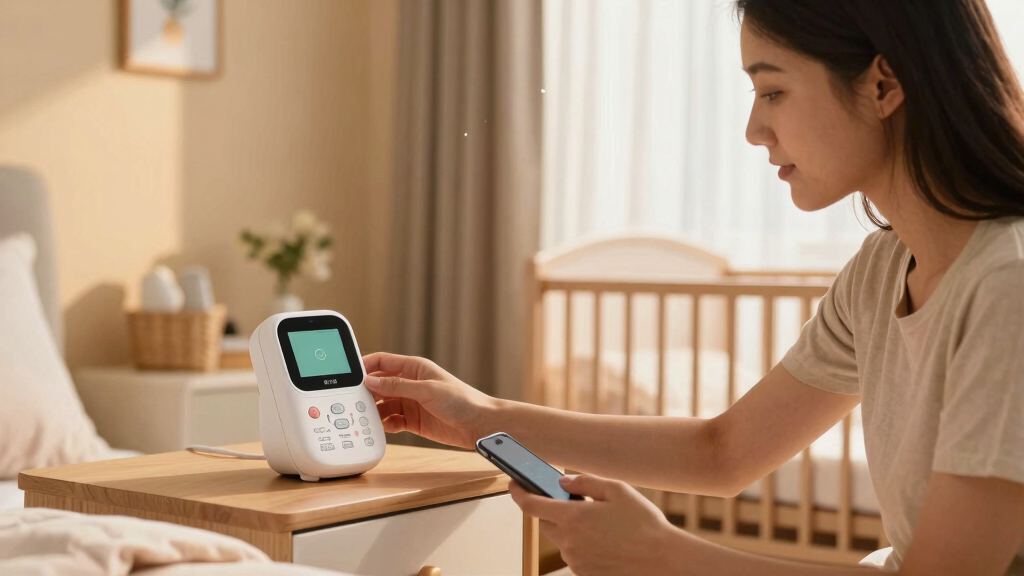
Newer monitors include AI-powered features like crying detection or sleep analysis, which can be a game-changer in small spaces. Some integrate with smart home devices, letting you check on your baby via Alexa or Google Home. Temperature and humidity sensors also help keep the nursery comfy.
These modern features not only add convenience but also deepen your understanding of your baby’s needs in an apartment setting. For example, sleep analysis can help you identify patterns or disturbances caused by environmental factors such as temperature fluctuations or noise levels. Smart integration allows seamless control and monitoring through existing devices, reducing the need for multiple gadgets cluttering your space. Features like temperature and humidity sensors ensure the nursery remains a safe, comfortable environment, which is especially important in small, well-insulated apartments where climate control can be tricky. While these features enhance safety and convenience, they also require reliable internet and power sources, highlighting the importance of choosing devices with robust connectivity and backup options. Ultimately, smart features can transform your baby monitor from a simple device into an integrated part of your home’s safety ecosystem, helping you manage your space more efficiently and respond proactively to your baby’s needs.
Tips to Prevent Interference and Signal Loss
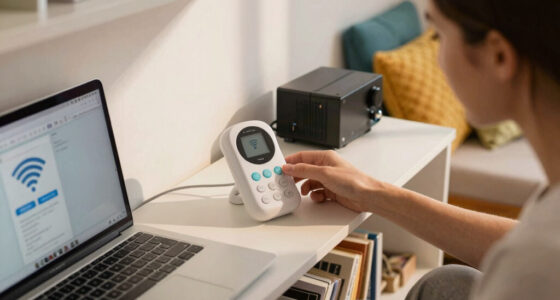
Wireless signals can get disrupted by household gadgets. Place your monitor away from Wi-Fi routers, microwaves, or cordless phones. Use a monitor that hops frequencies or encrypts signals to reduce interference. Keep the monitor on a stable surface, not tucked behind furniture.
Understanding how household devices interfere helps you make smarter placement choices. For example, microwaves emit electromagnetic waves that can cause static or dropouts if your monitor is placed nearby during use. Similarly, Wi-Fi routers operating on crowded frequencies can compete with your monitor’s signals, leading to latency or disconnections. Choosing monitors that automatically switch frequencies (hopping channels) or encrypt signals minimizes these issues, but placement remains key. Elevating the monitor on a shelf or keeping it in open spaces reduces interference and improves signal stability. In some cases, upgrading your Wi-Fi setup or using dedicated channels can further enhance reliability. The tradeoff involves balancing proximity for better signal strength with avoiding interference sources—sometimes a simple repositioning can dramatically improve performance, ensuring you receive timely alerts and clear audio/video when you need it most.
How to Make Sure Your Baby Monitor Fits Your Budget and Needs
- Assess your apartment’s layout—how many rooms, floors, and walls? This helps determine the range and camera coverage you need.
- Decide on must-have features—video, audio, security, multi-camera support? Prioritizing these ensures you choose a device that actually meets your needs rather than overspending on unnecessary extras.
Matching your budget with your priorities involves understanding the tradeoffs. For example, a lower-cost audio-only monitor might suffice if you’re primarily concerned with hearing your baby, but it won’t provide visual reassurance. Conversely, investing in a Wi-Fi camera with encryption and multi-room support may cost more upfront but offers comprehensive peace of mind. Think about future needs—if you plan to expand your family or change your setup, selecting a flexible system can save money and hassle later. Carefully evaluating your space and safety requirements ensures you make an informed choice that balances cost with peace of mind, rather than settling for a device that leaves gaps in coverage or security.
Frequently Asked Questions
What type of baby monitor is best for a small apartment?
A Wi-Fi or DECT audio/video monitor usually works best. Wi-Fi offers remote access, while DECT provides a secure, interference-free connection. Choose based on your tech comfort level and security concerns.Are Wi-Fi baby monitors secure?
When secured with strong passwords, encryption, and regular updates, Wi-Fi monitors can be quite safe. Trust reputable brands and avoid default passwords to reduce hacking risks.How do I prevent interference from household devices?
Place the monitor away from routers, microwaves, and cordless phones. Use models that hop frequencies or encrypt signals to keep your connection stable and private.Can I monitor multiple rooms or floors?
Yes, with multi-camera support or longer-range monitors, you can keep an eye on different parts of your apartment. Check the range specifications before buying.What features are must-haves for apartment living?
Reliable range, clear audio/video, secure connection, and possibly two-way talk are key. Extras like night vision or smart alerts are nice but secondary to coverage and safety.Conclusion
Choosing a baby monitor for your apartment isn’t just about specs; it’s about how well it fits your space and peace of mind. Focus on placement, security, and features that match your lifestyle. A reliable monitor is your silent partner in keeping your baby safe, no matter how cozy your space gets.College move-in / dorm season Picks
dorm essentials
As an affiliate, we earn on qualifying purchases.