
TL;DR

Turn the school run and nap time into listening time
- Thousands of audiobooks, podcasts and originals
- Listen on your phone, tablet or Echo — also offline
- Cancel anytime
Many WiFi baby monitors are vulnerable to hacking if default settings aren’t changed. Immediately update passwords, firmware, and security options to protect your child’s privacy and your peace of mind.
Imagine checking your baby’s live feed, only to find a stranger’s face staring back. That nightmare happens far too often when security isn’t your first priority right from the start. WiFi baby monitors offer incredible convenience, but they also come with real risks if you don’t configure them carefully.
Getting security right on day one means fewer worries later. It’s about taking simple, straightforward steps—changing passwords, updating software, and tightening access controls—that make a huge difference. Here’s everything you need to know to lock down your monitor and keep your little one safe.
Always change default passwords immediately to prevent easy hacking.
Keep firmware updated to patch known security vulnerabilities.
Use a secure WiFi network with WPA3 or WPA2 encryption, and consider a separate guest network.
Disable remote access unless absolutely necessary, and enable two-factor authentication if available.
Regularly review privacy and security settings to stay ahead of potential threats.
Why Default Passwords Open the Door to Hackers — Change Them Now
The first mistake many parents make? Leaving the default username and password intact. These are often guessable or widely known, turning your monitor into an easy target. Think of it like leaving your front door unlocked.
Immediately change these credentials to a strong, unique password—something with a mix of letters, numbers, and symbols. For example, instead of “admin,” try “B3bbySecure2024!”. This simple step can block 90% of unauthorized access attempts.
Check your device’s manual or app to find where to update passwords. Do it as soon as you set up the monitor. It’s quick insurance against potential breaches.
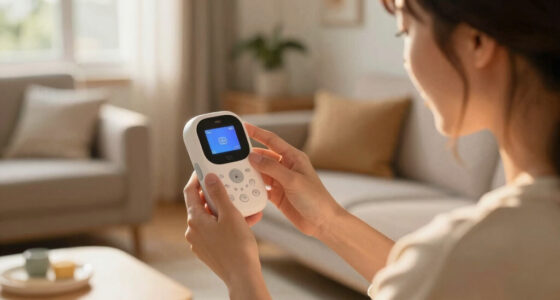
WiFi baby monitor with secure password
As an affiliate, we earn on qualifying purchases.
As an affiliate, we earn on qualifying purchases.
Update Firmware Right Away — Why Outdated Software Is a Security Hole
Firmware is the software that keeps your device running smoothly. Outdated firmware can harbor security flaws hackers have already learned to exploit. Think of it as leaving a crack in your digital door.
Manufacturers often release updates that patch vulnerabilities. Check your monitor’s app or web portal for updates immediately after setup. Usually, it’s a simple tap or click to install the latest version.
For example, one popular model had a flaw that allowed remote access due to outdated firmware. Updating fixed the issue and closed the door to potential hackers.
Set a reminder to check for updates monthly or enable automatic updates if available. Staying current is your best defense.
As an affiliate, we earn on qualifying purchases.
Secure Your WiFi Network — Use Strong Encryption and a Separate Network
Your WiFi monitor is only as secure as your home network. Using a weak WiFi password or unsecured network invites trouble. Switch your WiFi to WPA3 or WPA2 encryption—these are the strongest options today.
Additionally, consider creating a separate guest network just for your baby monitor and smart devices. This isolates them from your main devices like laptops and phones, cutting down risks.
For example, setting up a dedicated network for your monitor prevents hackers from accessing your personal data even if they compromise the monitor’s security.
Remember: a strong, unique WiFi password is a must — avoid common words or predictable patterns.
Why does this matter? Using robust encryption and isolated networks reduces the attack surface—meaning hackers have fewer pathways to compromise your devices. It’s a tradeoff: increased security often means a slightly more complex setup, but the peace of mind is worth it.
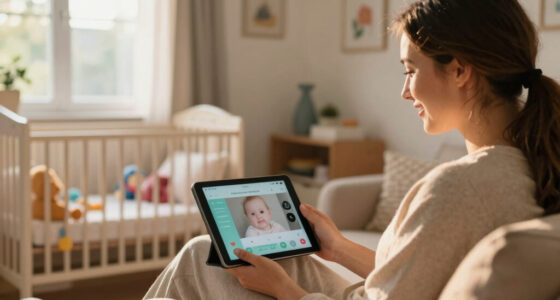
WiFi baby monitor with two-factor authentication
As an affiliate, we earn on qualifying purchases.
As an affiliate, we earn on qualifying purchases.
Disable Remote Access if You Don’t Need It — Limit Who Can See Your Baby
Remote viewing is a handy feature—until it becomes a security risk. If you don’t need to watch your baby from work or the grocery store, turn it off. Hackers often exploit remote access to gain control.
Go into your device settings and disable any remote viewing options, or restrict access through IP whitelisting—allow only specific devices to connect.
For example, one parent disabled remote access but kept local viewing, reducing vulnerability without losing functionality.
Review these settings regularly, especially after firmware updates or if you notice any suspicious activity.
Why is this important? Limiting remote access reduces the number of entry points for attackers. However, if you need remote viewing, ensure it’s secured with strong passwords and two-factor authentication, balancing convenience with security.
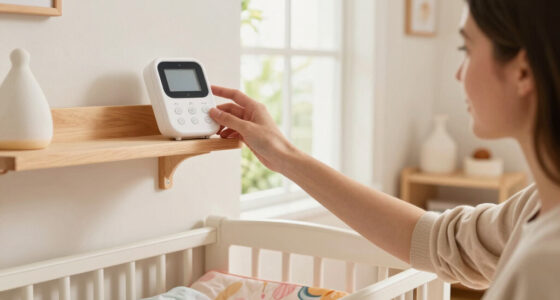
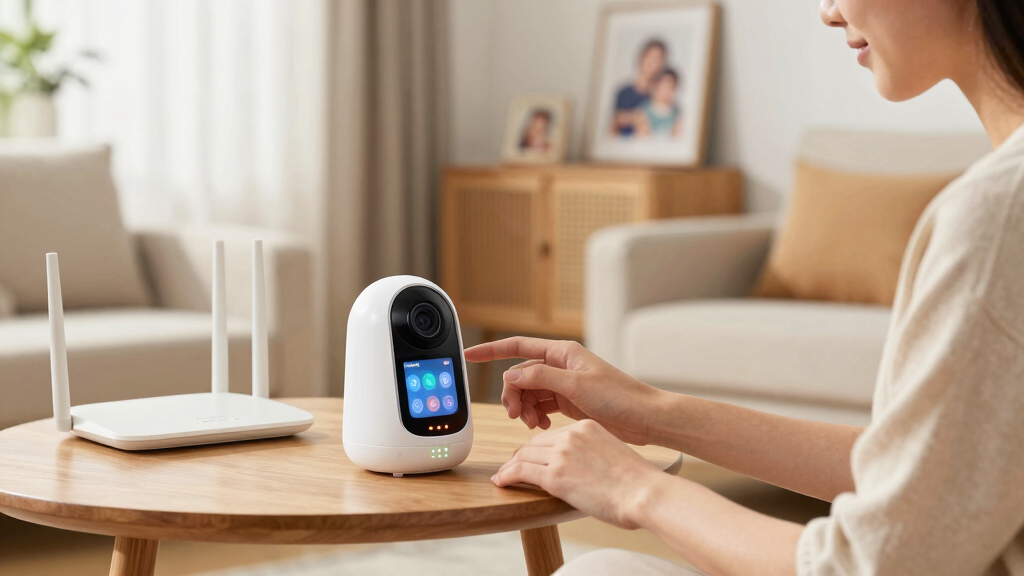
secure WiFi network router for smart devices
As an affiliate, we earn on qualifying purchases.
As an affiliate, we earn on qualifying purchases.
Turn on Two-Factor Authentication (2FA) — Extra Layer of Defense
Many modern monitors offer two-factor authentication—adding an extra step when logging in. This could be a code sent to your phone or email. It’s like locking your door with a second lock.
If your device supports 2FA, turn it on during setup. Even if someone steals your password, they’ll need the second code to access the feed.
For example, a parent enabled 2FA and avoided a hacking attempt where hackers tried to access the live stream remotely.
This small step adds a huge layer of protection, especially for devices connected to the internet 24/7.
Why does this matter? Two-factor authentication significantly reduces the risk of unauthorized access, especially in situations where passwords might be compromised. The tradeoff is a minor inconvenience during login, but the added security is well worth it.
Review Privacy Settings — Keep Your Baby’s Footage Private
Privacy controls vary by device. Look for options to restrict who can view the feed, and disable features like cloud storage if you’re uncomfortable with it. For example, storing footage locally instead of in the cloud reduces exposure.
Some devices let you set access permissions, so only trusted family members can view the stream. Use these settings to tighten control.
For instance, one family switched to local storage, preventing any outside access if the cloud service was compromised.
Why is this important? Managing privacy settings carefully helps prevent unauthorized viewers from accessing sensitive footage of your child. It also reduces the risk of data breaches that could expose your family’s private moments. The tradeoff? Local storage might mean more manual management, but it offers greater control and security.
Additional Tips to Lock Down Your Monitor’s Security
- Disable UPnP (Universal Plug and Play) unless necessary—this feature can open ports without your knowledge.
- Change default device names to something unique—this makes it harder for hackers to identify your device.
- Set up alerts for suspicious activity if your app supports it.
- Regularly check device logs for unauthorized access attempts.
Implementing these small steps creates a layered security approach, making hacking your monitor much more difficult.
What Can You Do if Your Monitor Gets Hacked?
If you suspect your WiFi baby monitor has been compromised, change all passwords immediately. Power down the device and disconnect it from the network temporarily.
Update firmware, enable all security features again, and review your WiFi security settings. Contact the manufacturer for advice or replacement if needed.
Remember, the best defense is prevention. Vigilance and quick action keep your little one safe and your data private.
Frequently Asked Questions
Are WiFi baby monitors safe to use?
They can be safe if you change default passwords, update firmware regularly, and enable security features. Neglecting these steps leaves your device vulnerable to hacking.What should I do immediately after setting up my WiFi baby monitor?
Change default credentials, update firmware, disable remote access if unnecessary, and review all privacy settings. These simple steps greatly reduce security risks.Can I prevent unauthorized access completely?
While no device can be entirely foolproof, following best practices—strong passwords, regular updates, and limited access—significantly lowers your chances of intrusion.Is it better to use a wired or WiFi monitor?
Wired monitors eliminate WiFi hacking risks but lack remote access convenience. WiFi models are more vulnerable but offer flexibility; securing them properly makes a big difference.What features should I look for in a secure baby monitor?
Prioritize models with strong encryption, regular firmware updates, two-factor authentication, and reputable manufacturers committed to security standards.Conclusion
Strong security on day one isn’t just smart — it’s essential. Your baby’s safety and your privacy depend on taking these simple steps now, not waiting for a breach to happen. Think of it as locking your door before someone tries to walk in.
By making these changes, you turn your WiFi baby monitor into a secure tool that offers peace of mind—so you can focus on what matters most: your little one’s happiness and safety.
Fall Picks
fall essentials
As an affiliate, we earn on qualifying purchases.